
The Invisible Tax on Your Etsy Listings: What Bad Images Are Actually Costing You
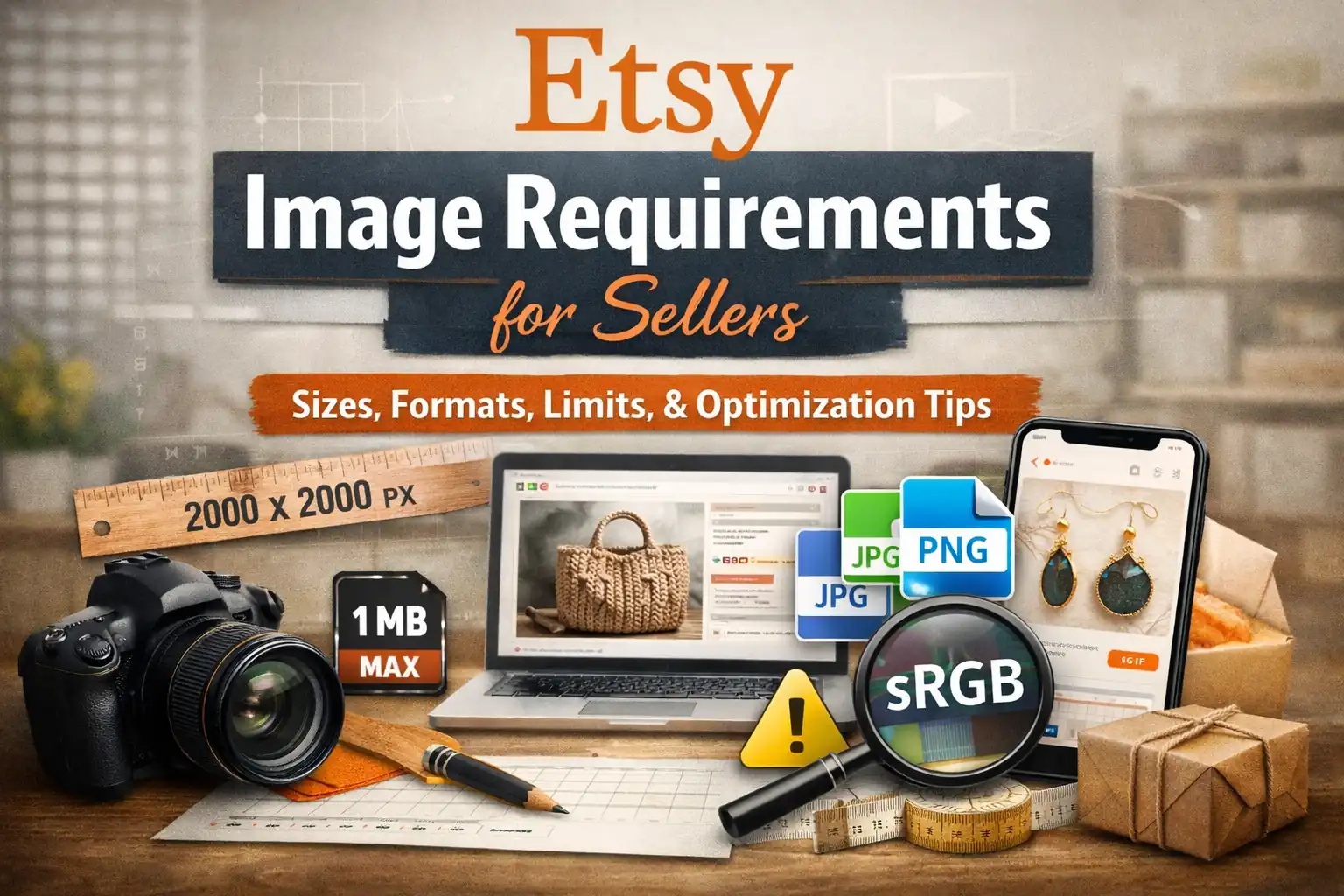
A detailed, seller-focused guide to Etsy image requirements—exact pixel sizes for listing photos and shop branding, supported formats, file-size limits, color profile rules, and step-by-step fixes using Plomz tools to resize, convert, and compress for better performance.
The Invisible Tax on Your Etsy Listings: What Bad Images Are Actually Costing You
Most Etsy sellers think about product photography as an aesthetic choice. It isn't. It's infrastructure — and like bad plumbing, you don't notice it until something breaks.
This guide doesn't just repeat Etsy's rules. It explains why each rule exists, what Etsy's system is actually doing to your images behind the scenes, and how to build a zero-guesswork upload workflow that protects your search rankings, your conversion rate, and your shop's visual identity.
The Mental Model Most Sellers Are Missing
When you upload a photo to Etsy, you're not publishing it the way you'd post to Instagram. You're handing it to a pipeline that will:
- Validate the file (reject or degrade if it fails)
- Recompress it for performance (your original quality doesn't survive untouched)
- Convert the color profile to sRGB (your CMYK or wide-gamut colors will shift)
- Crop and resize it into at least a dozen different thumbnail variants across desktop, mobile, and app
- Use it as a ranking signal — the first photo's dimensions directly affect search placement
Every step in that pipeline is an opportunity for your image to lose fidelity, shift color, or crop badly. Knowing this changes how you prepare files before they enter that pipeline.
Part 1: Format Choice Is a Decision, Not a Default
Etsy accepts JPG, PNG, and GIF — but "accepted" doesn't mean "equivalent." Each format carries trade-offs that interact badly with Etsy's pipeline if you choose wrong.
Why JPG is usually your best friend
JPG compresses photographic content efficiently without the visual quality loss that PNG compression introduces at the same file size. For product photography — textiles, ceramics, jewelry, candles — JPG is almost always the right call. You get a smaller file, faster loading, and no transparency-related rendering surprises.
When PNG causes an invisible problem sellers rarely catch
PNG supports transparency. Etsy does not. If you upload a PNG with a transparent background, Etsy will render those areas as solid black — not white, not grey, black. This is particularly damaging for:
- Digital sticker sellers who screenshot their work on a transparent canvas
- Logo-heavy shop banners exported directly from design tools
- Product mockups with transparent shadow layers
The damage is silent. The upload succeeds. No error appears. Your listing goes live — with a black void where your background should be. Test every PNG with transparency on a throwaway listing before it goes live.
The GIF trap
Animated GIFs are blocked. Static GIFs work but offer no meaningful advantage over JPG for product photos. Unless you have a legacy asset that only exists as a static GIF, don't use the format.
Part 2: Pixel Dimensions — The Number That Touches Your Rankings
The search ranking threshold you cannot ignore
Etsy has publicly stated that your first listing photo must be at least 635 × 635 px to avoid being ranked lower in search results. This is one of the rare cases where Etsy explicitly connects an image specification to search visibility. It isn't a soft recommendation — it's a threshold with a penalty below it.
Most sellers aren't failing this threshold in 2025. Modern phone cameras and design tools make it easy to stay well above 635px. But the risk appears when sellers:
- Resize images too aggressively before uploading
- Repurpose old, low-resolution assets from other platforms
- Screenshot products from supplier catalogues without checking the output size
Why 2000px is the real target — even if Etsy doesn't enforce it
Etsy recommends listing photos be at least 2000 × 2000 px. This isn't arbitrary. It's driven by two things:
Zoom behavior. When a shopper taps to zoom on mobile (which a significant portion do before purchasing), Etsy pulls from your original file. If your original is 800px wide and the shopper's screen renders it at 400px then zooms to 2×, they're viewing an interpolated, soft image. At 2000px+, zooming still looks sharp.
Etsy's compression. Etsy recompresses your images for performance. You're not uploading to a lossless archive — you're uploading to a delivery system that will compress your file again. Starting at 2000px gives the compression algorithm more data to work with, resulting in a sharper final output than if you started at 800px.
The upscaling trap
If your image is 900px and you "upscale" it to 2000px before uploading, you've gained nothing. Upscaling adds pixels by interpolation — the algorithm guesses what the new pixels should look like. The result looks soft and sometimes smeared. Etsy's pipeline will compress that already-interpolated image, compounding the quality loss.
The right response to a too-small image is to reshoot or re-export from the original high-resolution source. Not upscale.
Part 3: File Size — Where Upload Failures Hide
Etsy has confirmed that images larger than 1MB may fail to upload, particularly on slower connections. This matters more than most sellers realize, for reasons beyond the obvious.
The bulk upload failure pattern
Single-image uploads often succeed even with large files — your connection handles it and you never see a problem. The failures cluster during bulk operations: adding 10 listings at once, loading multiple images per listing, uploading on a mobile connection or public WiFi. Large files fail silently or mid-upload, leaving you with incomplete listings you may not notice until a buyer does.
What "compress" actually means vs. what it doesn't
Compression reduces file size by encoding image data more efficiently. Good compression tools can cut a 3MB JPG to under 1MB with no visible quality difference at normal viewing sizes. The goal is not to make the image look compressed — it's to remove data the human eye wouldn't detect anyway.
What compression cannot fix: resolution. Compressing a 600px image to 200KB doesn't turn it into a high-quality asset. Compression and resolution are separate dials. Turn both correctly.
Part 4: The Color Problem No One Tells New Sellers About
Etsy converts all uploaded images to the sRGB color profile. If you upload anything else — CMYK, Adobe RGB, Display P3, ProPhoto — Etsy's conversion will remap your colors to sRGB. The result can be:
- Saturation shifts (colors that looked vivid become muted)
- Hue shifts (a warm terracotta becomes slightly orange)
- Brightness changes that make the image look flat
Who this affects most
This is primarily a problem for:
Print sellers. If you're designing products in a print workflow (apparel, wall art, stationery), your design files may be in CMYK. Exporting directly to Etsy without converting produces unpredictable results.
Photographers using wide-gamut profiles. If your camera or editing software exports in Adobe RGB or a wider profile, those extra-vivid colors will compress into sRGB's smaller range on upload.
Canva and similar tool users. Most web-based tools export in sRGB automatically, so this isn't usually a problem. But if you're exporting from Photoshop, Illustrator, or a professional camera workflow, check your export color profile before uploading.
The fix is in your export settings
You don't need a special tool. In Photoshop: Export As → Convert to sRGB. In Lightroom: check "sRGB" in the color space export option. In Illustrator: Document Color Mode → RGB. The point is to let your tool do the conversion before Etsy's pipeline does it less carefully.
Part 5: Shop Branding Images — The Dimensions Sellers Guess Wrong
Shop branding images are treated differently from listing photos. They're not product-focused — they're identity-focused. Getting them wrong doesn't just hurt one listing; it affects how professional your entire shop looks across every touchpoint.
Shop icon (500 × 500 px)
Your shop icon appears in circular crops in many contexts — beside reviews, in search attribution, in the Etsy app. Design it as a centered composition with meaningful padding. An icon that fills the entire 500px square will have its edges cropped. Leave room.
Profile photo (400 × 400 px)
Same principle as the icon. If you're using a headshot, leave breathing room around your face — don't fill the frame edge-to-edge.
Big shop banner — and why there are two different official numbers
This is genuinely confusing because Etsy's own documentation gives inconsistent recommendations across pages:
| Source | Minimum | Recommended / Optimal |
|---|---|---|
| Etsy Help Center | 1200 × 300 px | 1600 × 400 px |
| Etsy Seller Handbook | 1200 × 300 px | 3360 × 840 px |
The gap exists because different teams updated different documents at different times. The 3360 × 840 px figure from the Seller Handbook reflects retina and wide-display optimization — it's the better target if you want the banner to look sharp on a large monitor or a high-DPI screen.
What this means practically: If you're designing from scratch today, target 3360 × 840 px and center your key visual elements to survive safe-zone cropping on smaller screens. If you have an existing 1600 × 400 px banner that works, it meets the Help Center standard and you don't need to recreate it.
Mini shop banner (1600 × 213 px recommended; 1200 × 160 px minimum)
The mini banner has a very constrained aspect ratio. Text and logos need to be tested at the actual rendered size — many sellers design these at full resolution and then discover that body copy becomes illegible at display dimensions.
Collage banner (variable by image count)
| Images | Minimum per tile |
|---|---|
| 2 images | 600 × 300 px each |
| 3 images | 400 × 300 px each |
| 4 images | 300 × 300 px each |
Collage banners are unforgiving with low-resolution source images because each tile is displayed at a fixed ratio. Use high-resolution originals even when the minimum seems achievable.
Part 6: Composition Decisions That Affect Discoverability
Technical specs get you in the door. Composition keeps buyers clicking.
Why your first photo's orientation is a ranking-adjacent decision
Etsy recommends the first listing photo be landscape or square. This isn't an aesthetic preference — it's about how Etsy renders thumbnails across different page layouts. Portrait images in landscape-oriented thumbnail slots get cropped, often cutting off the product or creating awkward negative space. The main subject gets smaller relative to the frame, which reduces visual impact at thumbnail scale — which reduces click-through rate.
Lower click-through rates are a negative signal in any recommendation algorithm. Choosing the wrong orientation for your first photo can create a slow bleed on your listing's performance over time.
The "shoot farther back" principle
Etsy specifically advises shooting farther back than feels natural so you have cropping room in post. This is practical: if your product fills the frame edge-to-edge and Etsy's thumbnail crops 15% off each side, you've lost part of the product in the thumbnail. Shooting slightly wider gives you a composition buffer.
Consistency across your gallery
Using the same orientation and approximate framing for all photos in a listing creates a cohesive gallery that browsers are more likely to scroll through. Mixed portrait and landscape photos within a single listing create visual friction — the gallery feels disjointed and less professional.
Part 7: The Pre-Upload Checklist, Rebuilt as a Decision Tree
Rather than a flat checklist, here's the logic you actually need to run:
Is this a listing photo or a shop branding asset?
→ Listing photo: Target 2000px+ on the short side. First photo must be landscape or square. Verify first photo is at least 635 × 635 px.
→ Shop branding: Match specific dimensions from the table above. Test icon and profile photos for circular crop behavior.
What's the source file format?
→ PNG with transparency: Add a solid background before uploading, or convert to JPG. → CMYK or wide-gamut: Convert to sRGB in your export settings before uploading. → WebP (from a supplier or web source): Convert to PNG or JPG — Etsy doesn't accept WebP. → Animated GIF: Not supported. Export a static frame.
What's the file size?
→ Over 1MB: Compress before uploading to prevent upload failures during bulk sessions. → Under 1MB at target resolution: You're ready.
Is the image being resized?
→ Downscaling from a large file: Fine — use a quality resize tool to maintain sharpness. → Upscaling from a small file: Stop. Reshoot or re-export from the original source.
The Underlying Principle: Prepare for the Pipeline, Not the Preview
The mistake most sellers make is judging their images by how they look on their own screen before uploading. That's the wrong test. The right test is: how will this image look after Etsy's pipeline finishes with it?
Etsy's pipeline will compress it, convert its color profile, crop it into thumbnails, and deliver it over slow mobile connections. Images that are prepared for that process — right format, right resolution, right color profile, right file size — survive the pipeline looking good. Images that aren't prepared look fine in your desktop preview and mediocre in every buyer's actual experience.
Prepare for the pipeline. Your conversion rate will thank you.