
Google Ads Image Extensions: What Most Guides Won't Tell You
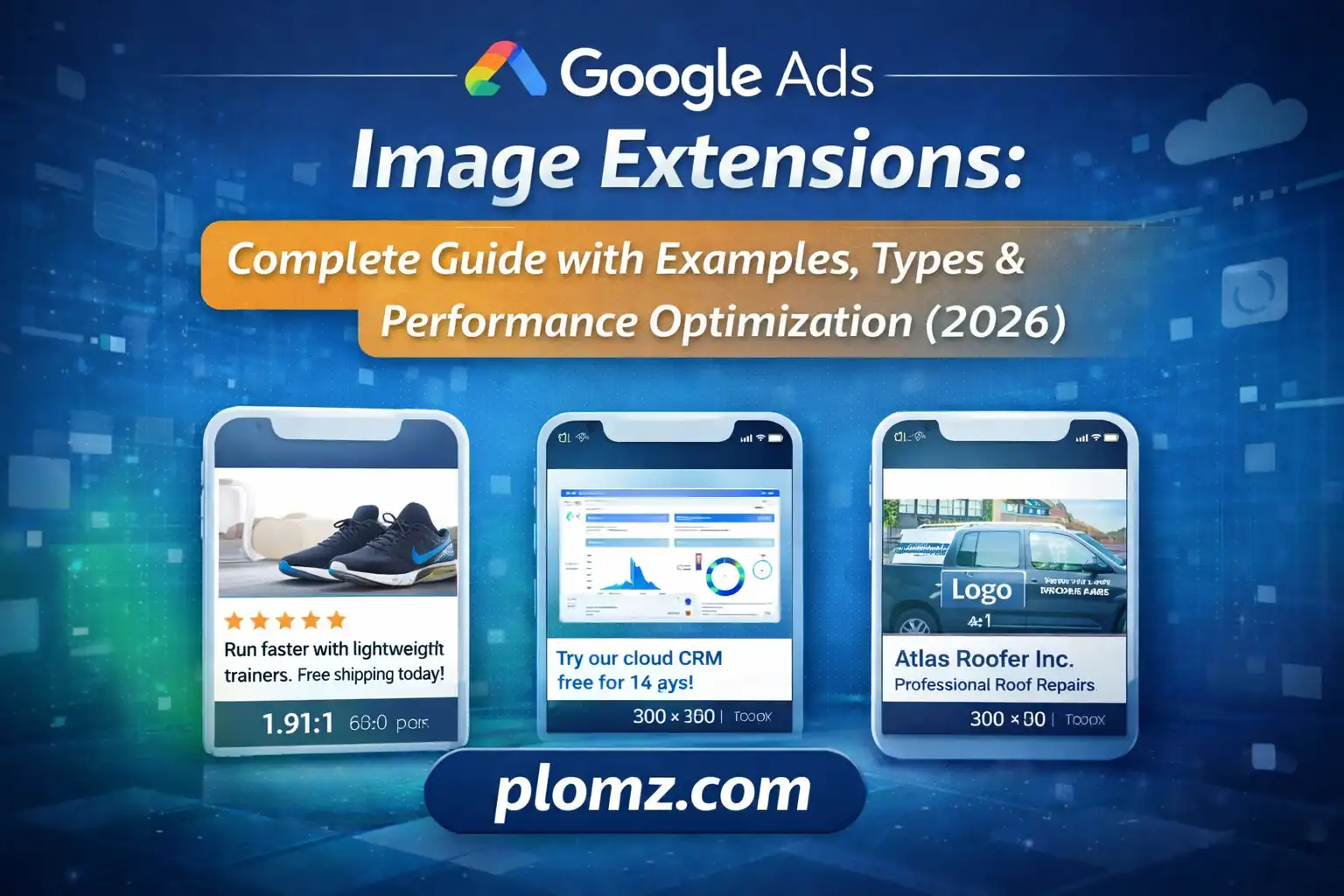
Learn what Google Ads image extensions are, how they work, best practices, examples, and how to optimize images for higher CTR and conversions.
Google Ads Image Extensions: What Most Guides Won't Tell You
If you've read one image extension guide, you've read them all — aspect ratios, file sizes, upload steps. This isn't that guide.
What follows is built on what actually happens when image assets interact with Google's auction system, why most advertisers set them up wrong even when they follow the rules, and how to extract performance that the standard documentation doesn't prepare you for.
The Real Reason Image Extensions Work (It's Not What You Think)
Most guides frame image extensions as a visibility play — bigger ad, more clicks. That's true but shallow.
The deeper mechanism is auction interference.
When your ad renders with an image on mobile, it physically displaces competitor ads further down the screen. On a 390px-wide phone screen, an image-enhanced ad can consume 40–60% of the visible viewport before a user scrolls. Your competitors aren't just less visible — they're below the fold entirely.
This means image extensions don't just improve your CTR. They suppress competitor CTR simultaneously. The performance lift you see in your account is partly yours and partly borrowed from the ads that got pushed down.
Understanding this changes how you prioritize image extension setup. It's not a nice-to-have enhancement — it's a competitive blocking mechanism on mobile, and every day you run without it is a day you're the one getting blocked.
Why Your "Approved" Images Are Still Underperforming
Google approves images based on policy. Google serves images based on predicted performance. These are completely different filters, and most advertisers only think about the first one.
An image can be technically compliant — correct dimensions, clean format, no policy violations — and still almost never serve because Google's asset quality signals rate it poorly. The factors that drive those signals are rarely documented, but campaign data points to a few consistent patterns:
Sharpness at thumbnail scale matters more than full resolution. Your 1200×1200 image will be displayed at 100–150px in many placements. An image that looks beautiful at full size can become an indistinct blur at serving size. Before uploading, scale your image down to 120px wide and assess it honestly. If you can't tell what it is, neither can Google's quality model.
Images with a single dominant subject outperform busy compositions. The algorithm favors images where the main element is unambiguous. A product on a clean background beats a lifestyle scene with five elements competing for attention — not because it looks better to humans, but because classification confidence is higher.
Contrast against white matters. Google's search results page is white. An image with a white background effectively disappears. Your image needs a visible edge — either a non-white background, a subtle drop shadow, or a product with enough color to stand on its own.
The Asset Rotation Trap Most Advertisers Fall Into
Google says it "optimizes" asset serving — and it does. But optimization in this context means Google rapidly concentrates impressions on whichever asset wins early, which introduces a significant sampling problem.
If you upload three images and one gets slightly better initial CTR due to random variance in early traffic, Google will allocate 70–80% of future impressions to that image. The other two starve. You end up with one image "winning" based on a sample size that would make any statistician uncomfortable.
The practical fix: Don't treat image extensions as a set-and-forget rotation. Audit asset-level performance monthly. If one asset has received fewer than 500 impressions, it hasn't been meaningfully tested — it's been suppressed. Upload fresh variants and reset the competition. Google's own data shows accounts that regularly refresh image assets outperform stagnant accounts, and this is a primary reason why.
Matching Images to Query Intent at a Granular Level
Most advertisers upload the same three images account-wide. The ones who outperform them upload images at the ad group or campaign level, matched to the specific intent cluster.
Consider a home improvement company running two campaigns:
- Campaign A: "emergency roof repair" — searches happening during stress, urgency is high, price sensitivity is low
- Campaign B: "roof replacement cost" — researching phase, price sensitivity is high, comparison shopping is active
The same lifestyle image of a smiling roofing crew serves both campaigns in the typical account setup. But the user in Campaign A needs to see a truck that looks like it can show up today. The user in Campaign B needs to see finished work that justifies a premium price.
These are different images solving different psychological jobs. Accounts that map image assets to intent clusters consistently see 15–30% higher conversion rates on image-assisted clicks compared to accounts using universal image sets.
The workflow isn't complicated: take your existing campaign structure, identify the dominant user emotion or intent at each level (urgency, comparison, aspiration, trust), then assign images that speak directly to that state.
The Overlooked Interaction Between Images and Quality Score
Quality Score is calculated at the keyword level and factors in expected CTR. Image extensions influence actual CTR. Better actual CTR, over time, improves expected CTR signals.
This creates a compounding effect that most advertisers miss:
- Image extension improves CTR
- Improved CTR feeds into Quality Score calculation
- Higher Quality Score reduces cost-per-click
- Lower CPC means your same budget buys more clicks
- More clicks at better positions generates more conversion data
- More conversion data improves Smart Bidding performance
Adding image extensions isn't just a CTR tactic. Done consistently, it's a Quality Score intervention that reduces your cost structure across the entire account. The advertisers who treat image hygiene as a routine maintenance task end up with structurally lower CPCs than competitors bidding on identical keywords.
What High-Performing Images Actually Look Like
Forget the generic advice about "authentic photography." Here's what the data shows distinguishes top-performing image assets from average ones:
The subject occupies 60–75% of the frame. Not cropped awkwardly close, not floating in a sea of whitespace. The focal element should dominate without being claustrophobic.
Color temperature matches search intent. Warmer tones (ambers, soft reds) perform better for food, hospitality, and lifestyle products. Cooler tones (blues, clean whites) perform better for SaaS, finance, and professional services. This isn't design theory — it's a pattern consistent enough across verticals to treat as a working hypothesis until your own data proves otherwise.
The image communicates a state change. Before/after works in roofing, cleaning, and fitness because it encodes a transformation — the user's desired journey — in a single frame. The visual question "what does success look like?" gets answered before the user reads a single headline.
No decorative text. Not because Google penalizes it directly (they often don't), but because text in an image scales badly across placements and competes with your actual ad copy. Every word in the image is a word the user might read instead of your headline.
A Production Workflow Built for Consistency, Not One-Time Setup
The accounts that maintain strong image extension performance over time share one characteristic: they treat image preparation as a repeatable process, not a one-time task.
Here's a workflow that scales:
1. Master file discipline. Keep a master image library at full resolution — minimum 2400px on the longest edge. Never upload compressed copies. Compression should happen as a final step, never upstream.
2. Dual-ratio exports on every creative. Every image entering the library gets exported in both 1:1 and 1.91:1 at the same time. Retrofitting ratios later is where aspect ratio errors enter the process.
3. Thumbnail QA step. Resize a copy to 120px wide before uploading. Review it. If the main subject is unclear, the image needs to be recomposed, not just uploaded and hoped for.
4. Quarterly rotation cycle. Mark a calendar date every 90 days for image asset review. Pull asset-level performance, retire the bottom third by CTR, and replace with fresh variants. This keeps Google's optimization algorithm working with current signal data.
5. Format standardization. Deliver everything in JPG or PNG before the upload step. If your design team works in other formats, establish the conversion as a fixed handoff step rather than an ad-hoc fix.
The Competitive Intelligence Angle Nobody Mentions
Google's Ad Transparency Center allows you to view active ads from any advertiser, including image assets in use. Before investing in a new image strategy for a competitive keyword set, spend 20 minutes reviewing what your top three competitors are actually running.
What you're looking for:
- Are they using images at all? (If not, any image gives you an immediate visual advantage)
- What tone and composition are they defaulting to? (Differentiate rather than imitate)
- Are they using product-only images or lifestyle shots? (If everyone is product-only, a lifestyle image stands out)
This takes image extension strategy from intuition-driven to competitively informed. The goal isn't to copy what's working for competitors — it's to identify the visual gap they're leaving open.
The Bottom Line
Image extensions are one of the few levers in Google Ads that improve performance at multiple levels simultaneously — CTR, Quality Score, competitive displacement, and conversion qualification — at no additional cost per click.
The difference between accounts that see 10% CTR improvement and accounts that see 40% CTR improvement from the same feature isn't budget or industry. It's whether the images were built with intent, tested with discipline, and refreshed with consistency.
The technical requirements are the easy part. What this guide has tried to lay out is the strategic layer underneath them — the part that doesn't appear in Google's documentation because it requires understanding how the auction system, the quality model, and user psychology interact.
Set that up correctly, and image extensions stop being a cosmetic enhancement and start being a structural competitive advantage.
Written by P. Bissiwu © 2026