
Google Display Ad Specifications: What the Documentation Won't Tell You
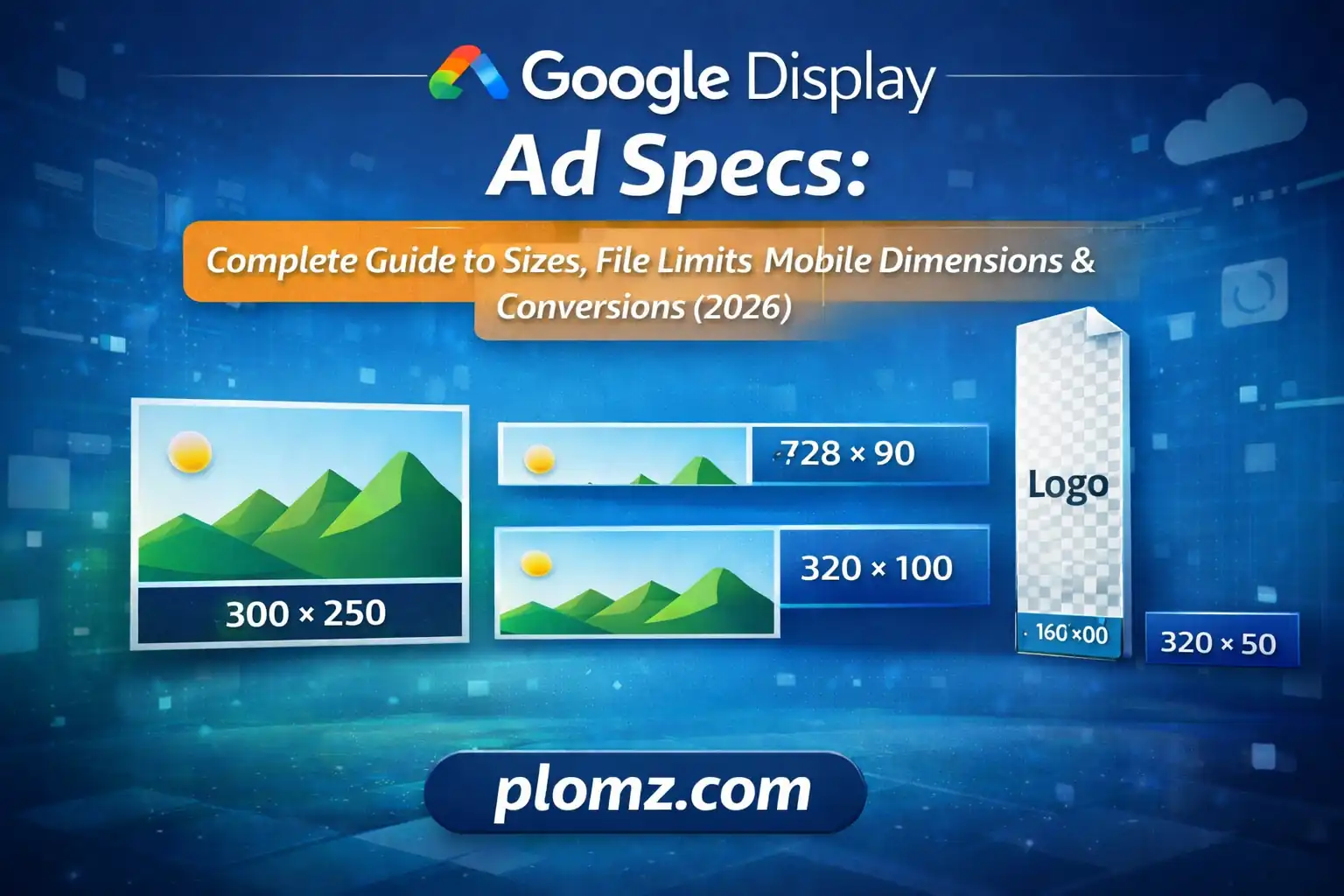
Master Google Display Ad specs with exact pixel sizes, mobile formats, file limits, and conversion workflows. Optimize assets for approval and performance.
Google Display Ad Specifications: What the Documentation Won't Tell You
If you've ever launched a Display campaign and watched it limp along with 40% inventory eligibility, you already know that uploading a creative is not the same as uploading the right creative. This guide goes beyond the spec sheet — it explains the mechanics behind why dimensions matter, where most advertisers quietly lose reach, and how to build an asset workflow that actually scales.
Why Ad Specifications Exist (And Why Violating Them Costs More Than a Rejection)
Google's Display Network serves ads across an ecosystem of over 2 million websites and apps, each with its own layout constraints. Publishers define available ad slots by pixel dimensions. When your creative doesn't match those slots exactly, one of three things happens:
- The ad is excluded entirely from that placement
- It renders with distortion or clipping, damaging brand perception
- It qualifies only for lower-competition inventory, which often means cheaper but less valuable placements
The consequence isn't just a disapproval notice — it's silent, invisible reach erosion that never shows up as an error in your dashboard.
Responsive Display Ads: Understanding the Asset Logic
Responsive Display Ads (RDAs) are widely misunderstood. They are not a shortcut around specifications — they are a system that assembles your provided assets into multiple formats automatically. The quality of that assembly depends entirely on what you give it.
The Two Aspect Ratios That Unlock Full Inventory
Google's assembler requires assets in specific proportions:
| Format | Recommended Size | Minimum Accepted | Purpose |
|---|---|---|---|
| Landscape (1.91:1) | 1200 × 628 px | 600 × 314 px | Desktop leaderboards, in-feed placements |
| Square (1:1) | 1200 × 1200 px | 300 × 300 px | Mobile, native inventory, Gmail |
The critical insight most guides skip: These aren't interchangeable. Google uses each ratio for different placement types. Providing only the landscape image means your ad is structurally ineligible for every square placement in the network — typically a large share of mobile inventory. One SaaS advertiser who added the missing 1:1 asset to an existing campaign saw a 32% increase in impressions with zero targeting changes.
Logo Assets Are Not Optional Decoration
Logos appear independently of your main creative in many native and Gmail placements. Skipping them means Google either omits your brand mark entirely or attempts a poor auto-crop from your main image.
Required logo dimensions:
- Square logo: 1200 × 1200 px (minimum 128 × 128 px)
- Landscape logo: 1200 × 300 px
Both must be provided as transparent PNG files. A white background logo will render with a jarring white box in dark mode placements and native inventory — a detail that quietly undermines brand credibility at scale.
Static Banner Ads: The Placement-First Approach to Choosing Sizes
Rather than designing every possible banner size, start from where impressions actually come from. These formats consistently capture the highest volume across the GDN:
| Ad Unit | Dimensions | Why It Performs |
|---|---|---|
| Medium Rectangle | 300 × 250 | Fits in sidebar and in-content slots across almost every publisher |
| Half Page | 300 × 600 | High visibility, limited competition, strong CTR |
| Leaderboard | 728 × 90 | Dominates desktop header inventory |
| Billboard | 970 × 250 | Premium desktop placements, less crowded |
| Mobile Leaderboard | 320 × 50 | Near-universal mobile compatibility |
| Large Mobile Banner | 320 × 100 | More vertical presence without feeling intrusive |
| Wide Skyscraper | 160 × 600 | Right-rail placements on news and content sites |
| Large Rectangle | 336 × 280 | Close cousin to 300×250, expands eligible placements |
Practical prioritization: If your budget or timeline limits production, start with 300×250, 728×90, and 320×50. These three alone cover the majority of available inventory. Add 300×600 next for quality placements.
File Size and Format: The Technical Layer That Breaks Campaigns
Static Ad File Limits
- Maximum: 150 KB per uploaded static banner
- Accepted formats: JPG, PNG, GIF, HTML5
150 KB is less than it sounds when you're exporting from Figma or Photoshop, which routinely produce 400–800 KB PNG files at display dimensions. Uncompressed exports are one of the most common and invisible reasons for upload failures.
Compression strategy by format:
- JPG — use for photography-heavy creatives; compress to 80–85% quality without visible degradation
- PNG — use for graphics with text or transparency; run through lossless compression before upload
- GIF — limit frames and color palette; Google counts the total file size of all frames
- HTML5 — must be uploaded as a ZIP; all assets within the ZIP must total under 150 KB
Responsive Display Image Asset Limits
Image assets for RDAs follow a different limit: up to 5 MB per image. This gives you room to upload high-resolution masters, but smaller compressed files still load faster in placements — which affects real-world rendering performance on slower mobile connections.
Pixel-to-Inch Conversion: A Note for Cross-Channel Teams
Digital display advertising operates in pixels at 72 DPI screen resolution. If your design team works in print and delivers assets in inches at 300 DPI, those files will need conversion before they are production-ready.
Reference conversions at 72 DPI:
| Pixel Dimensions | Approximate Inches |
|---|---|
| 300 × 250 px | 4.17 × 3.47 in |
| 728 × 90 px | 10.11 × 1.25 in |
| 160 × 600 px | 2.22 × 8.33 in |
| 320 × 50 px | 4.44 × 0.69 in |
The conversion formula: pixels ÷ 72 = inches. Going the other direction: inches × 72 = pixels.
Image Content Requirements That Affect Ad Strength Scores
Technical compliance gets your ad eligible. Content compliance determines how Google's algorithm rates and prioritizes it. Ads with low Ad Strength scores receive reduced delivery even when they meet all specifications.
Key content rules with real consequences:
- Text coverage: Text should occupy no more than 20% of the image area. Heavy text triggers lower inventory eligibility and worse performance scores
- No simulated UI elements: Fake buttons, fake scroll bars, or elements designed to look like website components violate Google policy and result in disapprovals
- Safe margins: Google auto-crops assets for different placements. Keep critical content — logos, CTAs, faces — at least 5–10% away from all edges
- Clear focal point: Cluttered or busy imagery scores lower in automated quality assessments and performs worse with users
A Scalable Production Workflow for Ongoing Campaigns
Designing ad sets from scratch each time is where production costs spiral. A repeatable master workflow cuts that cycle significantly:
Step 1 — Design one high-resolution master Work at 1200 × 1200 px. This gives you a square master that can be cropped to 1200 × 628 without rescaling.
Step 2 — Export as PNG PNG preserves quality for all subsequent resizing and compression steps.
Step 3 — Resize into required variants From one master, generate:
- 1200 × 628 (RDA landscape)
- 1200 × 1200 (RDA square)
- 300 × 250, 728 × 90, 320 × 50 (core static banners)
- Add 300 × 600 and 320 × 100 for expanded coverage
Step 4 — Compress all files to under 150 KB Compression is the step most teams skip and then wonder why uploads fail.
Step 5 — Prepare transparent logo assets Export both logo formats (1200×1200 and 1200×300) as transparent PNG.
Step 6 — Upload a complete asset set Incomplete asset sets limit what Google's assembler can build. Full sets unlock full inventory.
This workflow — design once, resize systematically, compress before upload — consistently outperforms the approach of designing each size individually and uploading whatever exports first.
The Underlying Principle
Every specification in this guide connects to the same root logic: Google's system can only serve what it can render. An ad that fails a dimension check, exceeds a file limit, or lacks a required aspect ratio is simply invisible to large segments of the network — not penalized, not deprioritized, just absent.
Technical compliance is not a formality. It is the prerequisite for everything else — targeting, bidding, creative testing — to function at full capacity.
Guide compiled for digital advertising teams, agency producers, and in-house growth marketers building repeatable Display campaign workflows.